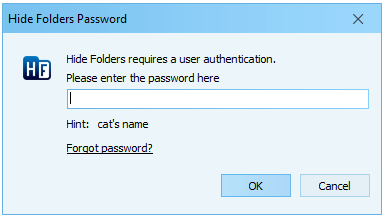
The Password prompt window appears whenever you open Hide Folders and whenever the application needs to verify your authorization.
Enter your current password in the password field, then click OK.
Forgot password link is available if you specified a password recovery email address in the Change password window. Click it if you have forgotten your password and want to recover it online.
This window will not appear if no password is set.